
Convert Word to JPG
Instantly convert Word files to JPG files, this tool will keep the layout of your Word files, no installation needed.
Drop Word files here or
 Choose Files
PDFWind securely handles your file and automatically deletes it from our server in 1 hour.
By using this online serive, you agree to our Terms of Use and Privacy Policy.
How to Convert Word to JPG online
1 Select and upload your Word documents.
2 Click the Start button to begin convert.
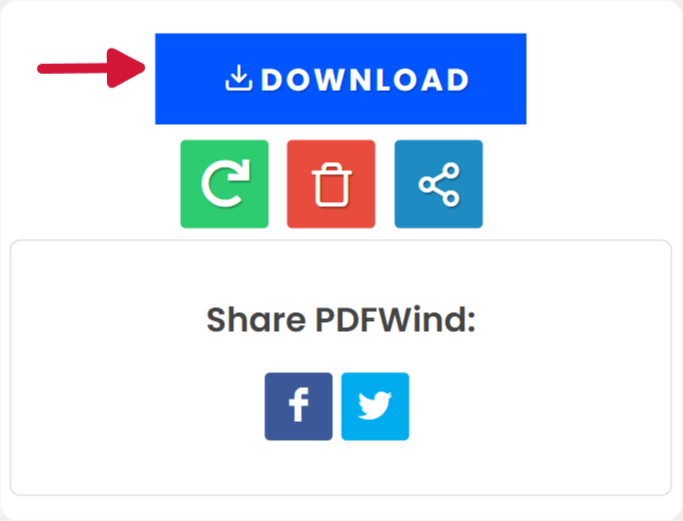
3 Click the download button or scan the QR code with your phone to download the files.
Upload
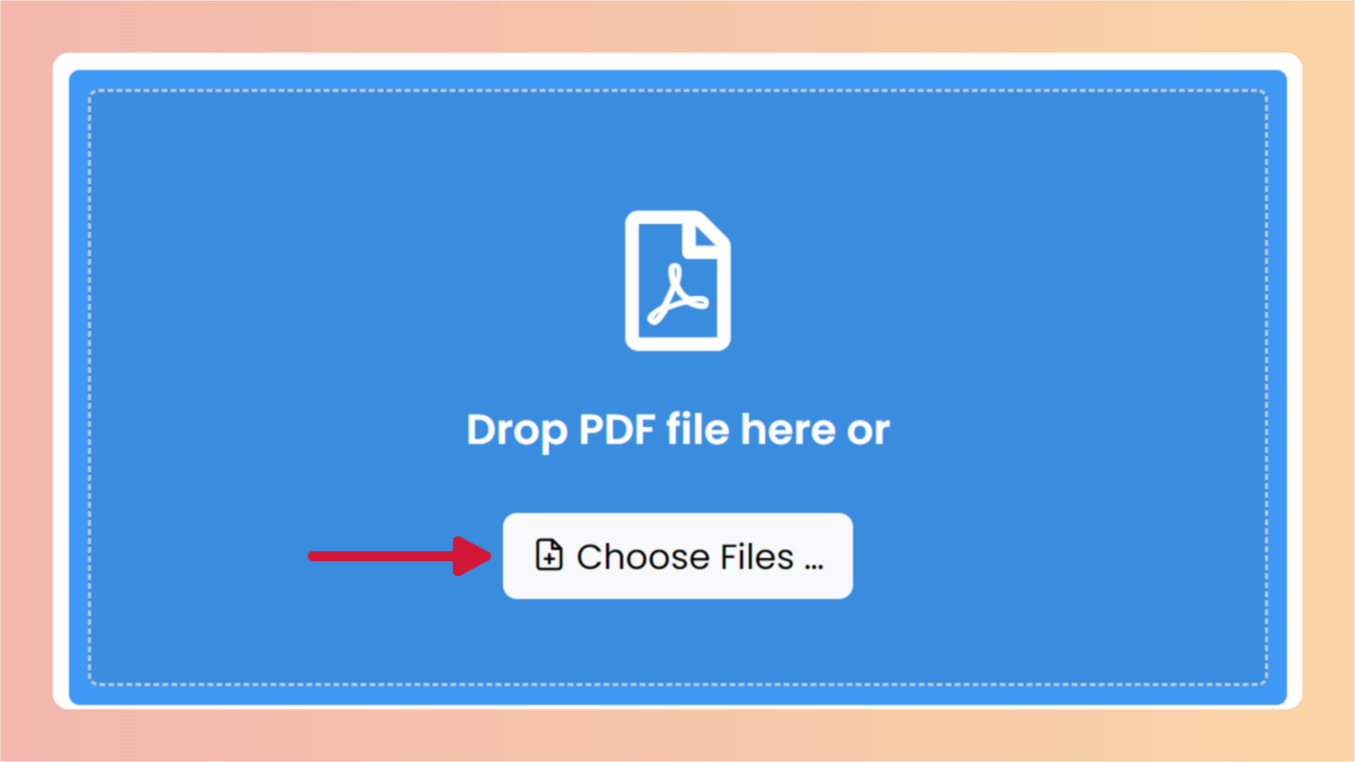
Convert

Download
Frequently Asked Questions
Can I use this tool for Free?
Yes! PDFWind is a free online tool for you to convert, edit PDF files.
Do I need an account?
No. PDFWind is a free online tool. You can use it without an account.
Is installation required?
No! PDFWind is web application. You can run PDFWind on browser, but we are developing a desktop version.
Is safe to use this tool with senstive data?
We take data security and user privacy seriously. Our conversion process is secure, and we do not store any uploaded or converted files after the process is complete.
How long does it take to process a document?
It depends on the size of the document and other factors. We are always upgrading our processing server to make it faster.
Convert Word to JPG
Converting...
Please wait while converting.